

JobCity Recommends The most Suitable Positions For You, Enhancing Your Job Search Efficiency.
Based on users' skills, experiences, and career goals, JobCity automatically recommends the most suitable positions, enhancing job search efficiency.
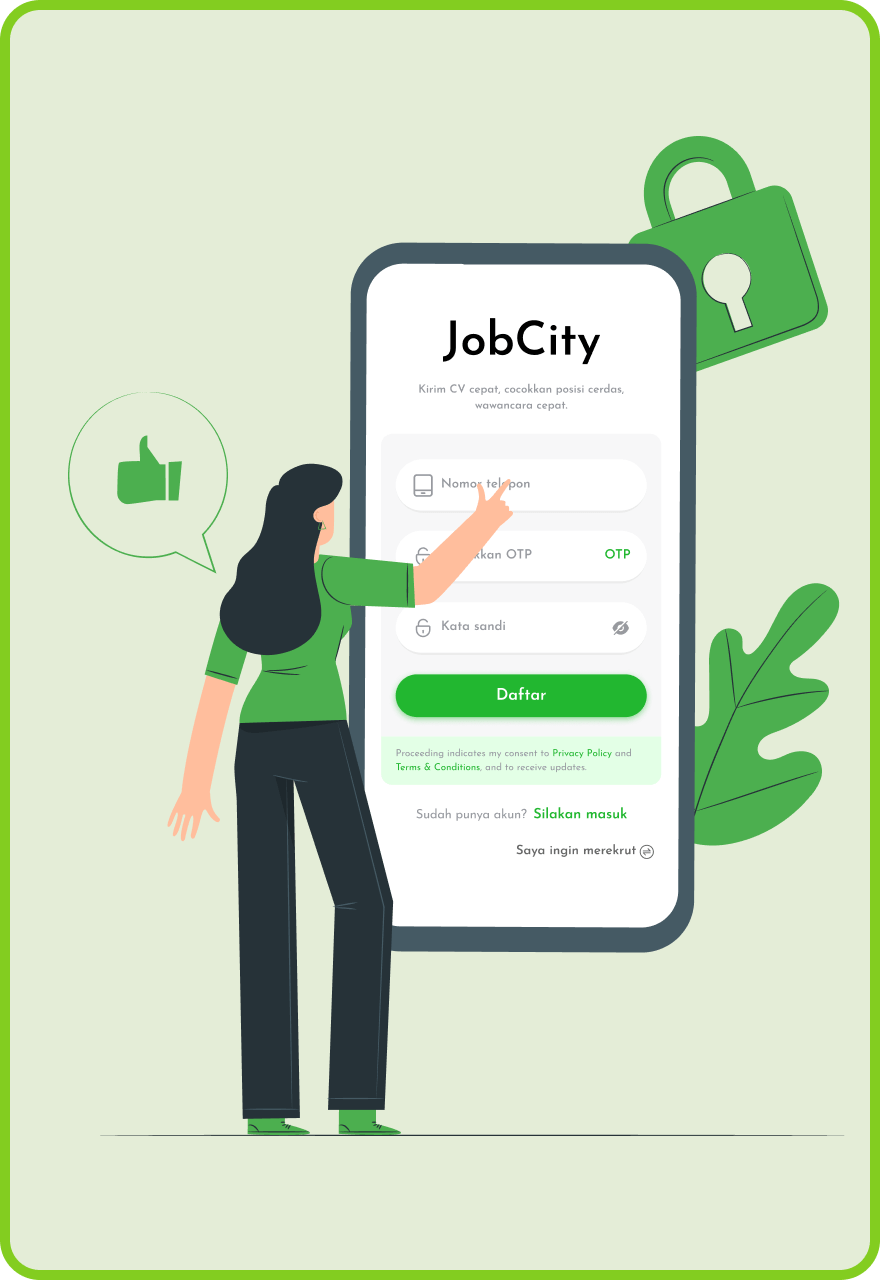
 Our process
Our goal is to make career development easy and personalized for you. Our simple yet effective process is designed to guide you every step of the way, from setting goals to landing your dream job.
Our advantages
-
AI CV Optimization
Make sure your CV gets noticed. JobCity AI enhances your CV to meet HR standards and increase interview chances.
-
AI Job Matching
Stop applying randomly. JobCity recommends jobs that best match your profile.
-
AI Career Recommendation
Get clarity on your career path with AI-driven career insights.
-
AI Mock Interview
Prepare with confidence through AI-powered interview simulations.
-
Online Interview
Attend interviews directly on the platform without switching apps.
-
Chat dengan Perusahaan
Direct communication with HR makes the recruitment process faster and more transparent.
About some issues
-
Q:Where can I update my resume?

A:After log in into your JobCity account, go to the "Profile" section where you can upload a new resume or edit your resume information directly within the app.
-
Q:How can I search for positions?
A:On the homepage of the app, you can use the search bar to enter job titles, company names, or keywords, and select the location where you want to work. You can also use filters to narrow down the search results.
-
Q:What are the steps to apply for a position?
A:Once you find a position you are interested in, click the "Apply" button. You may need to attach your resume and cover letter, fill out the relevant information, and then submit your application.If you don’t have a resume yet, you can create your own resume in our app.
-
Q:what kind of job I can find ?
A:JobCity offers positions across various industries, including but not limited to technology, sales, marketing, and customer service. You can search based on your background and interests.
-
Q:How can I contact the employer of the position I applied for?
A:After applying, you can communicate with the employer through messaging in the app, or check the contact information provided by the employer, such as email or phone number.
-
Q:What safety precautions should I take while using the app?
A:Make sure to use a strong password and change it regularly, and do not share your personal information. Additionally, be cautious of any suspicious job postings or employer information.

Join Indonesia’s professional recruitment platform “JobCity” today
Find partners, find satisfying positions, and arrive quickly